If you run a small business, you already know the uncomfortable truth:
Your next customer is probably calling while you’re busy.
Busy on a job. Busy with a client. Busy driving. Busy closing the day. Busy being the business.
And when that phone rings, and nobody answers? The caller doesn’t usually wait.
They call the next listing. And the next.
That’s not “competition.” That’s a leak in your growth system.
This is exactly where an AI receptionist changes the game without turning your business into a robot show.
At In the Paint Pitching, we position an AI voice agent as one thing:
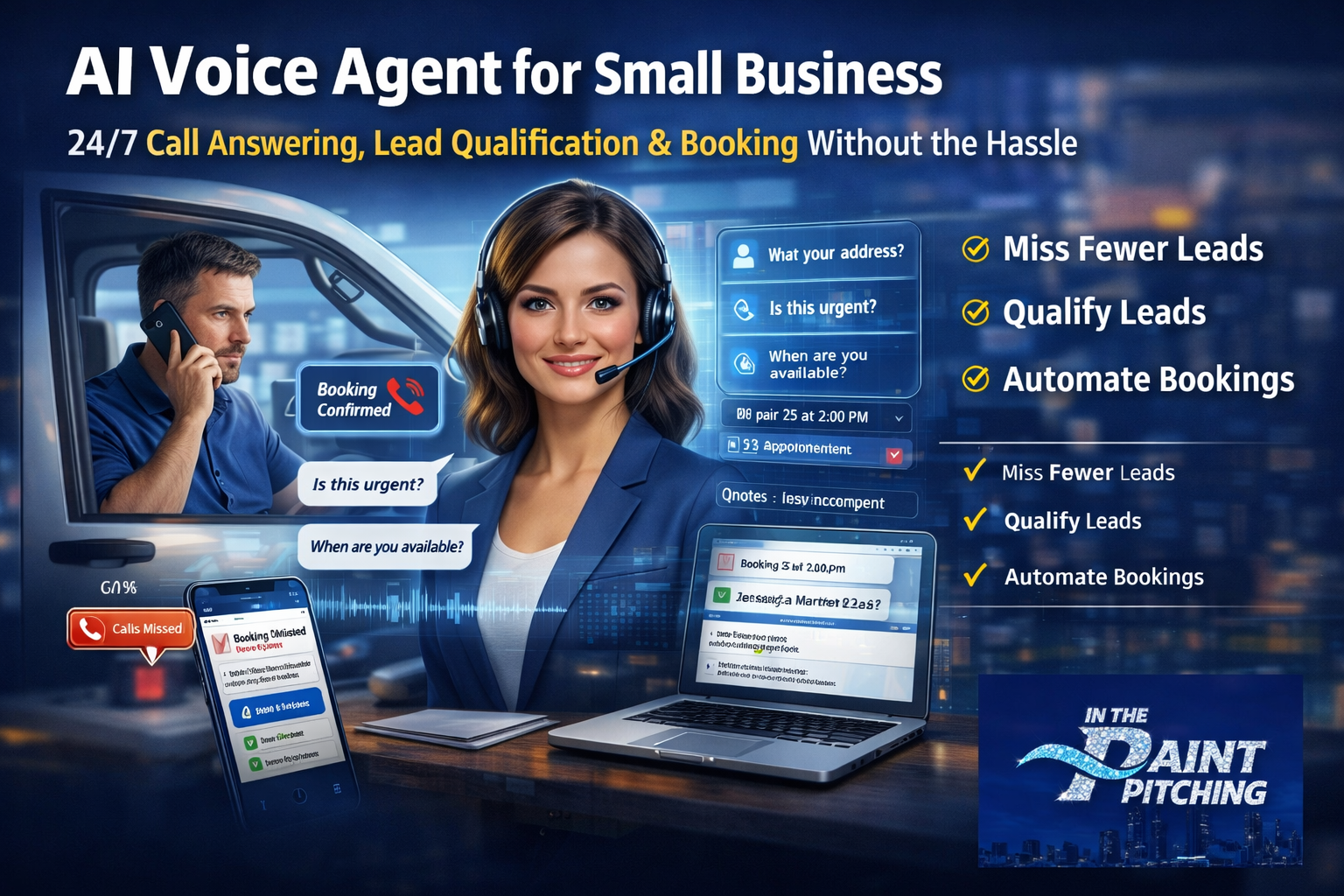
A 24/7 front desk that captures opportunities, qualifies the right leads, and books appointments—so your team can stay focused and still grow.
If you’re on the fence, good. You should be. Healthy skepticism saves money.
This post is designed to lower your guard the right way: with clarity, real-world use cases, and a simple way to evaluate whether an AI voice agent makes sense for you.
What Is an AI Voice Agent (Really)?
An AI assistant is not “a chatbot with a phone number.”
A proper AI receptionist is a call-handling and booking system that can:
- Answer calls 24/7 (even after hours, weekends, holidays)
- Identify what the caller wants (service, pricing, hours, booking, urgency)
- Ask smart qualifying questions (location, urgency, budget, timeline, best contact)
- Book appointments or request times
- Send confirmation texts/emails
- Route hot leads to a human (or your cell phone) when needed
- Log notes into your CRM so nothing gets lost
Think of it like this:
The old way:
Calls → Missed → Voicemail → You call back later → They already hired someone else.
The new way:
Calls → Answered immediately → Qualified → Scheduled or routed → Captured in CRM → You follow up with context.
You’re not buying “AI.”
You’re buying a business outcome: fewer missed opportunities and less chaos.
Why This Matters: Missed Calls Are “Invisible Lost Revenue”
Small businesses don’t usually lose because their service is bad.
They lose because their systems can’t keep up with demand—especially during spikes.
Here are the common patterns we see:
- Calls come in during peak work hours (you can’t pick up)
- Callbacks happen too late (lead is cold)
- New lead info is incomplete (no address, no details, no urgency)
- Staff gets interrupted constantly (“Can you answer the phone?”)
- Owners become the receptionist (which kills growth)
An AI voice agent doesn’t just “answer calls.”
It protects focus, and focus is the real multiplier.
What Your AI Receptionist Can Do (Core Features)
Here are the practical, high-impact features business owners care about:
1) 24/7 Call Answering (No More “Sorry We Missed You”)
Your business becomes responsive even when you’re not.
2) Lead Qualification That Feels Natural
Instead of “leave your name and number,” your AI can ask:
- “What service do you need?”
- “What’s the best address for the job?”
- “Is this urgent or can it wait a few days?”
- “Are you looking to start immediately?”
3) Appointment Booking + Scheduling Requests
Depending on your setup, it can:
- book directly on a calendar
- or gather preferences and send you a clean “ready-to-book” request
4) Text + Email Follow-Up
This is where a lot of businesses win:
- “Thanks here’s your appointment request summary.”
- “Confirming your booking for tomorrow at 2pm.”
5) Call Routing for Hot Leads
Some calls should go straight to a human:
- high-ticket inquiries
- emergencies
- repeat customers
- “ready to get started” leads
6) CRM Notes (So You Don’t Start Every Call From Zero)
Imagine calling back and already knowing:
- what they want
- where they are
- urgency
- budget range
- best time to reach them
That’s how you close faster and sound more professional.
The “Human Touch” Concern (And Why It’s Valid)
Let’s say it plainly:
Nobody wants to feel like they’re talking to a machine.
So the goal isn’t to pretend it’s human.
The goal is to be helpful, fast, and clear.
The winning approach is:
- friendly tone
- short questions
- clear next steps
- easy escape hatch (“Want me to connect you to a person?”)
A great AI receptionist doesn’t replace your team. It supports your team.
It’s the difference between:
❌ “Press 1… press 2… press 3…”
✅ “I can help with that what are you calling about today?”
Use Cases: Who Benefits Most From an AI Receptionist?
If your business depends on inbound calls, you’re a candidate.
But these industries tend to see the fastest results:
Home Services
- plumbers, electricians, HVAC
- landscapers, hardscape, pest control
- roofers, painters, restoration
Why it works: calls come in while crews are on-site.
Medical, Wellness, Beauty
- dental, chiropractic, med spas
- massage, salons, fitness studios
Why it works: staff can’t constantly answer without hurting the in-person experience.
Professional Services
- law firms, accounting, insurance
- marketing agencies, consulting
Why it works: High-intent calls need fast response and clean qualification.
Local Retail & Specialty
- auto shops, detailers, clinics
- niche shops where phone calls drive appointments/orders
The Real Benefits (What You’ll Actually Feel Day-to-Day)
You’ll stop living in “callback mode”
No more end-of-day dread: “I missed 14 calls today.”
Your team will get fewer interruptions
They can do their job without being pulled into phone duty.
Your leads will be cleaner
Instead of random voicemails, you get structured info.
You’ll close more simply because you respond faster
Speed is a silent superpower in local business.
“Will This Work for My Business?” A Simple Self-Check
If you answer “yes” to 2 or more, it’s worth testing:
- Do you miss calls during the day?
- Do leads come in after hours?
- Do you struggle to respond within minutes?
- Do you need better qualification before you call back?
- Do you want more booked appointments without adding staff?
How to Implement an AI Voice Agent Without Breaking Everything
This is where most people mess up: they try to go from 0 → 100 in one day.
Do it in phases:
Phase 1: Capture + Qualify
Start with:
- answering calls
- collecting info
- sending confirmation text/email
- notifying your team
Phase 2: Scheduling
Add:
- booking links
- calendar integration
- appointment confirmations
Phase 3: Routing + Upsell
Add:
- routing hot leads to a human
- offering add-on services
- directing to specific tools/resources
This staged rollout keeps your business safe while you learn what your customers actually ask.
Objections (And How Smart Owners Think About Them)
“What if it says the wrong thing?”
That’s why you set boundaries:
- define what it can answer
- define what it should escalate
- define emergency language (“If this is urgent, we can connect you now.”)
“My customers won’t like it.”
Some won’t. But here’s the trade-off:
- They like no answer less.
And when it’s done right, customers experience it as:
fast help, clear next step, immediate response.
“Is this expensive?”
Compare it to:
- missed jobs
- hiring staff
- constant interruptions
- lost weekends and evenings
The smarter question is:
What does one missed call cost you?
If you close even a small percentage of otherwise-missed leads, the ROI tends to show up quickly.
What Results Can You Expect?
Let’s keep this real and believable.
Most businesses see improvements in three areas:
- More captured leads (fewer missed calls)
- More booked appointments (less friction)
- More consistent follow-up (less forgetting, less chaos)
If you want to measure it properly, track:
- missed calls per day (before vs after)
- leads captured per week
- appointment requests booked
- response time
- close rate on inbound calls
Even without perfect data, you’ll feel the difference within days:
less stress, more structure, cleaner opportunities.
The “Right Way” to Position an AI Receptionist on Your Site
If you sell this to customers (or if you’re using it internally), the messaging matters.
Use language people trust:
- “24/7 call answering & booking”
- “Never miss a call again”
- “Fast response without sacrificing quality”
- “Qualifies leads before your team calls back”
Avoid hype like:
- “Guaranteed revenue”
- “Fully replaces staff”
- “Instant business explosion”
Trust converts better than buzzwords.
What In the Paint Pitching Helps You Set Up
At In the Paint Pitching, we focus on practical AI that creates real outcomes:
- AI receptionist that answers, qualifies, and books
- follow-up automation via text/email
- lead qualification workflows
- AI tools that can later support upsells (training, scripts, automation, growth tools)
If you’re building this for your own business, your next move is simple:
- Request a Look (2 Minutes)
- See How the AI Receptionist Works
- Get Your AI Receptionist Set Up
- Stop Missing Calls Get a 24/7 Voice Agent
- Book a Quick Setup Call
Final Word: The Fence-Sitter’s Decision Framework
If you’re hesitant, don’t “buy AI.”
Run a low-risk test:
- start with answering + qualifying
- set clear routing rules
- measure calls captured and appointment requests
If it helps, you keep it.
If it doesn’t, you learned something without betting the business.
That’s how serious business owners adopt new tools:
not with hype—with controlled wins.
Ready to See It Live?
If you want a clean setup that feels human, captures leads, and makes your business more responsive:
Request a Demo and we’ll show you exactly how an AI receptionist would handle calls for your industry and your workflow.
In the Paint Pitching
AI Marketing • Business Consulting • Digital Education
Built for real businesses that want real systems.